A tranquil time-management studio for iPhone & iPad. Connect your daily rhythm with plain-language smart alarms, on-device Time Coach, and ambient 3-column Desk StandBy. Zero tracking, 100% offline.
Clock Studio seamlessly blends functional timepieces with dependable alarms, proactive on-device coaching, and ambient desk glanceability.
Type alarms exactly as you speak: “weekdays at 6:45, Saturday at 9:00” or “in 2 minutes”. Powered by AlarmKit (iOS 26+) to ring reliably through silent mode and Focus with gentle fade-in, snooze, and skip-next controls.
Calculates optimal bedtimes aligned with 90-minute REM sleep cycles before your next alarm. Delivers a morning briefing with sunrise/sunset times, optional agenda overview, and proactive suggestions for which clock fits your current moment.
Turn your device sideways on your MagSafe stand or desk. Automatically expands into a balanced three-column cockpit displaying your clock face, live month calendar, day details, and upcoming schedule.
Built-in Pomodoro intervals for deep work sprints and a tactile radial dial for cooking. Both run quietly in the background with local alert banners when time is up.
Seamlessly glance at today's schedule and upcoming birthdays right from your desk display. Access is strictly read-only and processed purely on-device via EventKit.
No account required, no telemetry, no tracking, and zero advertising SDKs. Clock Studio makes zero external network requests: your time, alarms, and schedule remain entirely yours.
Each timepiece is built from scratch to solve one specific time problem — from desk glanceability and daylight awareness to deep focus sprints.
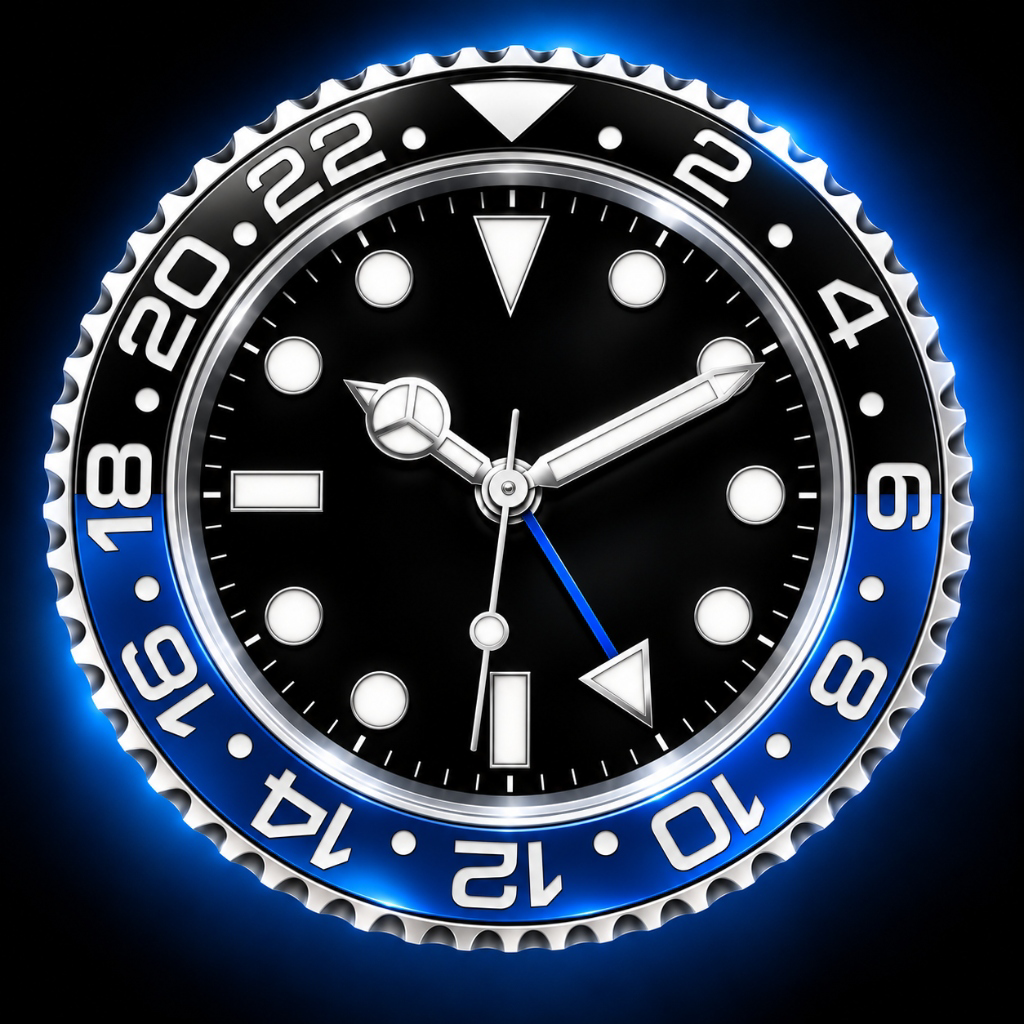
Inspired by iconic horological timepieces. Sweeping second hand, 24-hour GMT bezel accents, and customizable numeral dials.
Authentic vintage airport and train station split-flap boards. Realistic physical flap transitions with subtle haptic response.
Atmospheric glowing neon tubes or crisp industrial digital segments. Independent dual-tone LED color controls for clock and date.
Know exact sunrise, sunset, and twilight phases calculated directly on-device with NOAA astronomy. Living sky gradient and solar trajectory arc without GPS or internet.
Refined Scandinavian typography with full date readout and integrated month calendar grid. Designed for clear glanceability on desks and nightstands.
Instant multi-city timezone grid. Fast interactive city search with real-time solar offset, local offsets, and day/night state indicators.
Balanced over-the-board dual-tap tournament timer. Blitz, Rapid, and Fischer delay/increment modes with tactile haptics and turn counters.
Structured work and rest intervals based on the Pomodoro technique. Visual flow ring keeps you locked into deep productivity sessions.
Tactile 60-minute rotary countdown dial engineered for cooking, steeping, and hands-free tabletop glanceability.
Dock your iPhone on your bedside MagSafe charger and turn it sideways. Clock Studio automatically wakes into an ambient luxury dashboard.
Rotate horizontally and the interface instantly organizes your clock face side-by-side with full calendar grids, week numbers, and date details.
Pure deep-black backdrops and warm red tint options prevent night glare. The screen stays reliably active while charging without timing out.
Know exact sunrise, sunset, and twilight phases calculated directly on-device without GPS location tracking or internet connection.
Turn your iPhone and iPad into a mindful desk display and daily time companion. No accounts, no subscriptions, 100% private.
Have questions, ideas, or need assistance? We're here to help.
Turn your iPhone or iPad horizontally (landscape orientation). Clock Studio automatically adapts into a dual-pane dashboard, displaying your clock face side-by-side with the live day, date, and calendar.
Open the app settings (tap the gear icon) and verify that Keep Awake is turned on. When enabled, your device will not automatically dim or lock, making it the perfect nightstand clock.
Select the Neon Clock, tap the Settings gear icon, and customize your Clock LED color and Date LED color independently. You can also toggle between glowing neon tubes and crisp normal LED segments.
None whatsoever. Clock Studio has zero tracking, zero analytics, zero advertising SDKs, and requires no account. Everything runs completely locally on your device.
Got a question, bug report, or feature suggestion? Email our team directly and we'll reply within 24 hours.
✉️ support@stichtingleaf.nlLast updated: October 20, 2026 · Effective immediately
Clock Studio is developed by Stichting Leaf as a privacy-first utility. We strongly believe your time and privacy belong to you. We do not collect, store, transmit, or sell any personal data, usage data, or device identifiers.
Clock Studio can optionally display today's first appointment in your morning briefing:
Clock Studio's natural-language alarms and morning briefings operate using Apple Intelligence and on-device heuristics. 100% of processing happens locally on your iPhone or iPad. No prompts or schedule data are ever sent to remote servers or third-party AI APIs.
Your preferences (such as selected clock, 12h/24h format, neon colors, alarms, and timer presets) are stored strictly locally on your device using Apple's standard AsyncStorage. This data never leaves your device.
Clock Studio operates fully offline. The application makes zero external network requests and operates completely self-contained.
If you have any questions about this Privacy Policy or your data, please contact Stichting Leaf:
Stichting Leaf
Website: stichtingleaf.nl
Email: privacy@stichtingleaf.nl