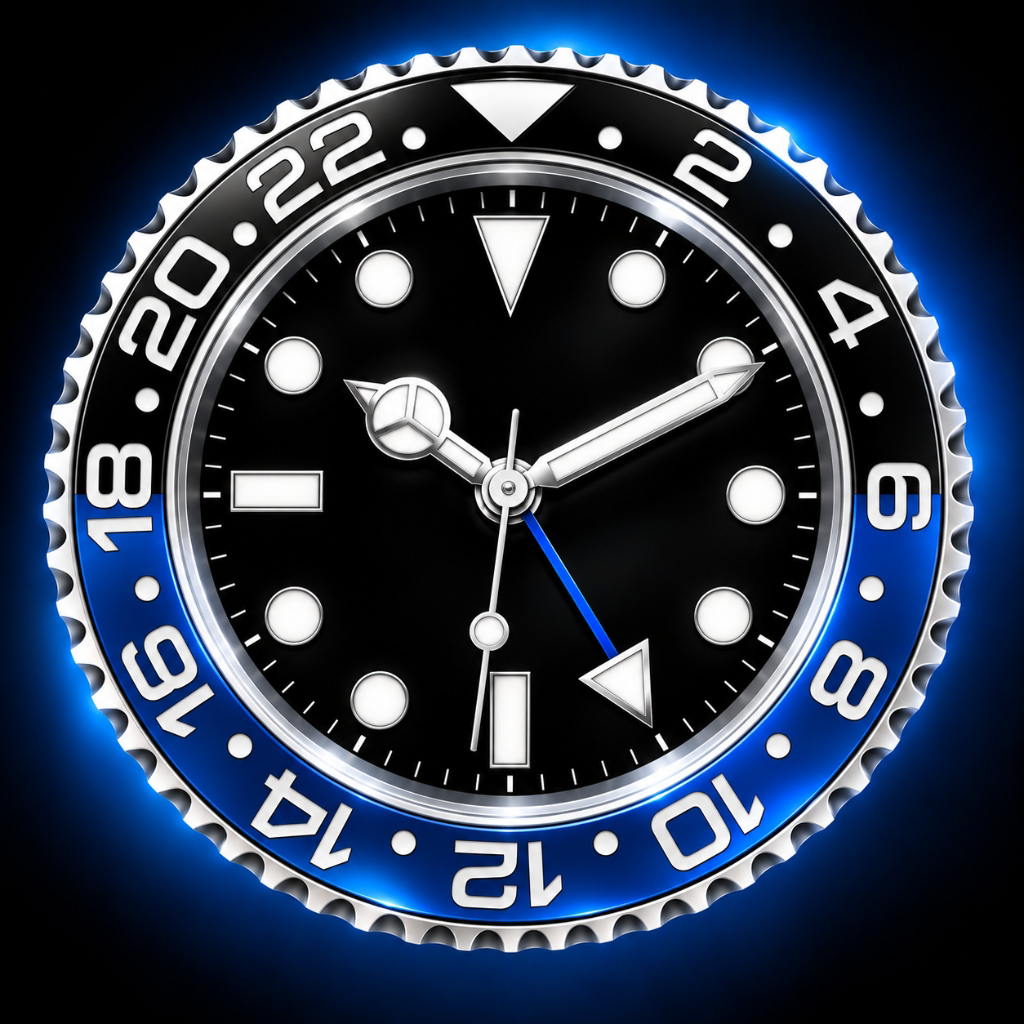
Crafted with obsessive care for typography, mechanical motion, and industrial design. Complete with luxury analog dials, split-flap mechanisms, glowing 7-segment neon LED, multi-timezone world raster, and precision timers.
Every clock face is built from scratch with custom vector graphics, high frame-rate animations, and bespoke typography.
Inspired by iconic horological timepieces. Sweeping second hand, 24-hour GMT bezel accents, and customizable numeral dials.
Authentic vintage airport and train station split-flap boards. Realistic physical flap transitions with subtle haptic response.
Atmospheric glowing neon tubes or crisp industrial digital segments. Independent dual-tone LED color controls for clock and date.
Instant multi-city timezone grid. Fast interactive city search with real-time solar offset and day/night state indicators.
Integrated countdown kitchen timer, Pomodoro focus interval timer, and balanced tournament chess clock.
Pure black canvas prevents night glare and saves battery. Integrated Keep-Awake ensures continuous bedside viewing while charging.
Have questions, ideas, or need assistance? We're here to help.
Turn your iPhone or iPad horizontally (landscape orientation). Clock Studio automatically adapts into a dual-pane dashboard, displaying your clock face side-by-side with the live day, date, and calendar.
Open the app settings (tap the gear icon) and verify that Keep Awake is turned on. When enabled, your device will not automatically dim or lock, making it the perfect nightstand clock.
Select the Neon Clock, tap the Settings gear icon, and customize your Clock LED color and Date LED color independently. You can also toggle between glowing neon tubes and crisp normal LED segments.
None whatsoever. Clock Studio has zero tracking, zero analytics, zero advertising SDKs, and requires no account. Everything runs completely locally on your device.
Got a question, bug report, or feature suggestion? Email our team directly and we'll reply within 24 hours.
✉️ support@stichtingleaf.nlLast updated: October 17, 2026 · Effective immediately
Clock Studio is developed by Stichting Leaf as a privacy-first utility. We strongly believe your time and privacy belong to you. We do not collect, store, transmit, or sell any personal data, usage data, or device identifiers.
Your preferences (such as selected clock, 12h/24h format, neon colors, and saved cities) are stored strictly locally on your device using Apple's standard AsyncStorage. This data never leaves your device.
Clock Studio operates fully offline. The only network calls that may occur are standard Apple TestFlight / App Store receipt checks handled exclusively by iOS.
If you have any questions about this Privacy Policy or your data, please contact Stichting Leaf:
Stichting Leaf
Website: stichtingleaf.nl
Email: privacy@stichtingleaf.nl